


Revived Witch is a pixel-art adventure RPG game. It is developed by Yostar Limited. It is available on Google PlayStore and Appstore.
The story of the game revolves around a lofty tower that has reappeared in a dark forest. It is said to be infused with powerful magic. According to folklore, the tower possesses a mysterious force. Countless people have attempted to enter the tower to obtain it, but no one has been able to escape alive.
Today we will tell you everything you need to know while buying and selling Revived Witch accounts.
You can buy and sell Revived Witch accounts by checking out EPICNPC’s Revived Witch forums.
https://www.epicnpc.com/forums/revived-witch-accounts.2527/
When you buy a Revived Witch account you’ll either receive a Yostar account, A Facebook account, or a Gmail account.
⦁ The first thing that you need to know is how to switch your account. For that, open your game and click on Switch Account in the top left corner.

⦁ Now, you’ll see 5 options.
⦁ Google account is the most commonly used when it comes to Revived Witch accounts. Plus it is the most secure one. So if you have bought a Gmail account, click on Sign in with Google.

⦁ Assuming you’ve already signed in the account on your phone, it will appear in this manner. Click on the new account and you will be signed in.

⦁ Open your Google Account.
⦁ In the navigation panel, select Security.
⦁ Under Signing in to Google, select 2-Step Verification.
⦁ Add in your preferred verification method
The second way to secure an account is by changing the password. If you don’t want to go through complexities then follow these simple steps to change your account’s password.
⦁ On your Android phone or tablet, open your device's Settings app > Google > Manage your Google Account.
⦁ At the top, tap Security.
⦁ Under Signing in to Google, tap Password. You might need to sign in.
⦁ Enter your new password, then tap Change Password.
Securing an account after buying it is extremely important. It will protect all your data and your well-spent money won’t go to waste. So it is highly recommended you follow these steps after buying Revived Witch account.
To do that follow these simple steps:
⦁ Click on the Avatar present on the top left corner of the screen.
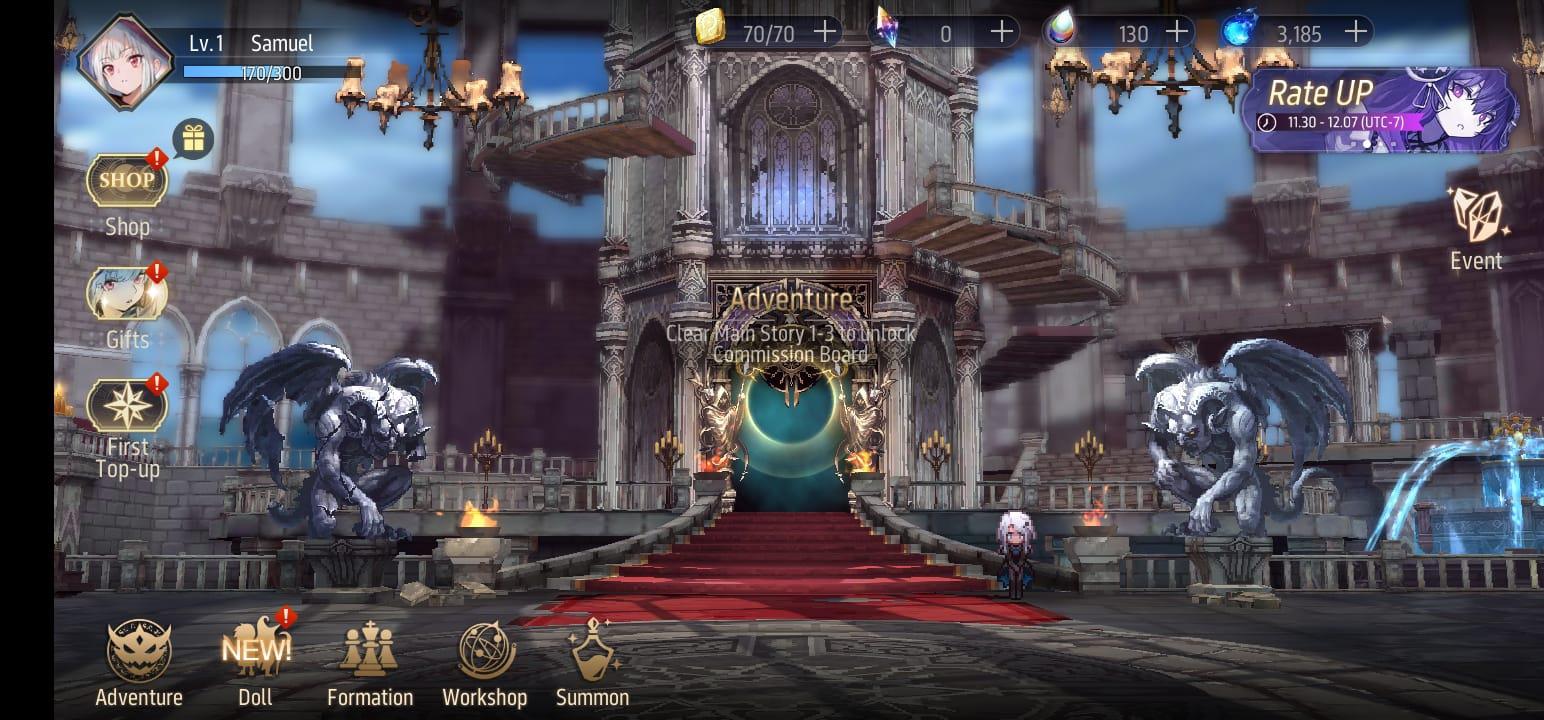
⦁ A window will appear with various options. Click on the Account Information tab. Then click on the User Center button at the bottom of this window.
⦁ You will see a list of accounts that you have bound to your game. Click on the remove button to remove that specific account (except the Gmail account).


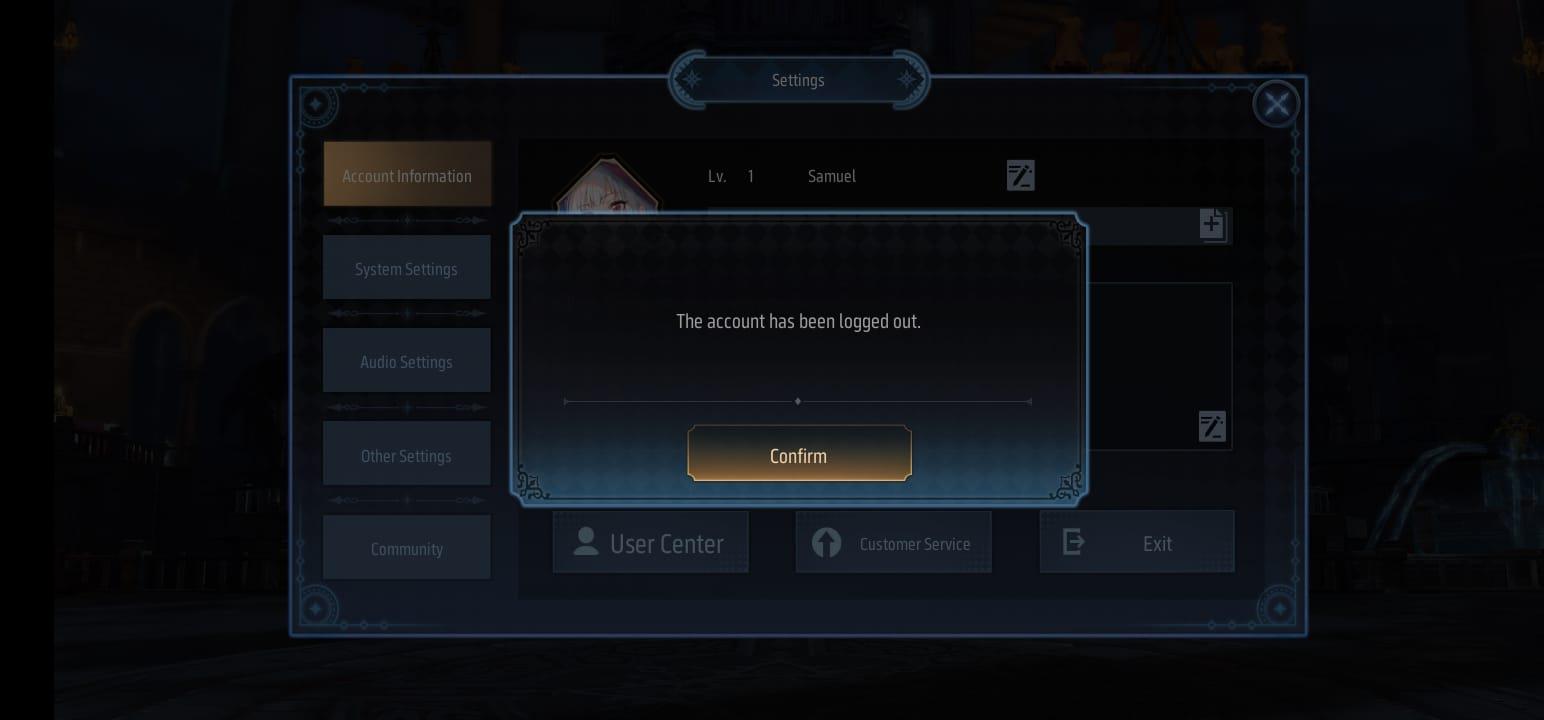
⦁ You will see the following message when you have successfully removed the account.
⦁ Type in a new email address that you want to bind the Yostar account with.
⦁ You'll receive an OTP on the email address you've provided.
⦁ Enter it and your new email is now linked to the Yostar account.
Tips for Buyers
⦁ Verify that the account you’re buying matches the one that is being advertised.
⦁ Make sure the account is not linked to another account such as Facebook or Twitter. If it is, simply delink it and then secure it.
⦁ After buying Revived Witch account make sure to completely secure it by using the previously mentioned methods.
Tips for Sellers
⦁ Make sure you have access to the associated email account so you can receive a code when customers demand one.
⦁ Don’t provide the login and codes before a mutual trust has been established
⦁ If the buyer refuses to go first and you do not trust them, consider using Trade Guardian and getting an official EpicNPC Middleman to help you conduct a safe trade.
⦁ Remove any payment links associated with your account such as Google Pay, etc.
The story of the game revolves around a lofty tower that has reappeared in a dark forest. It is said to be infused with powerful magic. According to folklore, the tower possesses a mysterious force. Countless people have attempted to enter the tower to obtain it, but no one has been able to escape alive.
Today we will tell you everything you need to know while buying and selling Revived Witch accounts.
Buying Revived Witch Account
Revived Witch can either use a Yostar account or more traditional platforms like Gmail, Facebook, and Twitter. Since we are discussing the Android game, it automatically uses your Gmail account to store the data.You can buy and sell Revived Witch accounts by checking out EPICNPC’s Revived Witch forums.
https://www.epicnpc.com/forums/revived-witch-accounts.2527/
When you buy a Revived Witch account you’ll either receive a Yostar account, A Facebook account, or a Gmail account.
⦁ The first thing that you need to know is how to switch your account. For that, open your game and click on Switch Account in the top left corner.
⦁ Now, you’ll see 5 options.
⦁ Google account is the most commonly used when it comes to Revived Witch accounts. Plus it is the most secure one. So if you have bought a Gmail account, click on Sign in with Google.
⦁ Assuming you’ve already signed in the account on your phone, it will appear in this manner. Click on the new account and you will be signed in.
How to Secure an Account
No matter which account you’ve bought, the best way to secure it is by using 2FA (2-Factor Authentication) or Two-Step Verification. All platforms offer 2FA and their methods are almost the same. So we’ll go through the process of securing a Gmail account since it is the most commonly used one.⦁ Open your Google Account.
⦁ In the navigation panel, select Security.
⦁ Under Signing in to Google, select 2-Step Verification.
⦁ Add in your preferred verification method
The second way to secure an account is by changing the password. If you don’t want to go through complexities then follow these simple steps to change your account’s password.
⦁ On your Android phone or tablet, open your device's Settings app > Google > Manage your Google Account.
⦁ At the top, tap Security.
⦁ Under Signing in to Google, tap Password. You might need to sign in.
⦁ Enter your new password, then tap Change Password.
Securing an account after buying it is extremely important. It will protect all your data and your well-spent money won’t go to waste. So it is highly recommended you follow these steps after buying Revived Witch account.
Selling Revived Witch Account
If you’re looking forward to selling a Revived Witch account then we’ve got you covered as well. First of all, you need to unlink the account you want to sell.To do that follow these simple steps:
⦁ Click on the Avatar present on the top left corner of the screen.
⦁ A window will appear with various options. Click on the Account Information tab. Then click on the User Center button at the bottom of this window.
⦁ You will see a list of accounts that you have bound to your game. Click on the remove button to remove that specific account (except the Gmail account).
⦁ You will see the following message when you have successfully removed the account.
How to change the Yostar account? (Optional)
⦁ Unbind the current Yostar account in the method mentioned above.⦁ Type in a new email address that you want to bind the Yostar account with.
⦁ You'll receive an OTP on the email address you've provided.
⦁ Enter it and your new email is now linked to the Yostar account.
Tips for Buyers
⦁ Verify that the account you’re buying matches the one that is being advertised.
⦁ Make sure the account is not linked to another account such as Facebook or Twitter. If it is, simply delink it and then secure it.
⦁ After buying Revived Witch account make sure to completely secure it by using the previously mentioned methods.
Tips for Sellers
⦁ Make sure you have access to the associated email account so you can receive a code when customers demand one.
⦁ Don’t provide the login and codes before a mutual trust has been established
⦁ If the buyer refuses to go first and you do not trust them, consider using Trade Guardian and getting an official EpicNPC Middleman to help you conduct a safe trade.
⦁ Remove any payment links associated with your account such as Google Pay, etc.

