EpicNPC

Register a free account today to become a member!

Edit Options Updated

Not Recently Bumped

EpicNPC

Administrator
Country
United States
To simplify the edit options we have made the following changes today.
  • 'edit' link has been removed from the bottom of the first post.
    • For replies, the 'edit' link remains.
  • The thread options ... menu (top right of a thread) has been changed to a gear icon so it's more obvious it contains thread settings.
  • Two edit options are available
    • Edit Post/Title - the thread creator can quickly edit the thread title or content of their post in case of a typo or quick change.
    • Edit Everything - the thread creator can edit the title, post, filters, TG options and other settings for their thread.
The main reason for this change is because the 'edit' link at the bottom of the first post seemed to cause confusion for many users. Not all edit options were available from that link and many users were not aware of the 2nd edit option in the ... thread menu.

We decided to move both edit options to the same menu and clearly label each so they're easy to understand what they do.
 
A welcome change, will make editing a lot more user friendly.
 
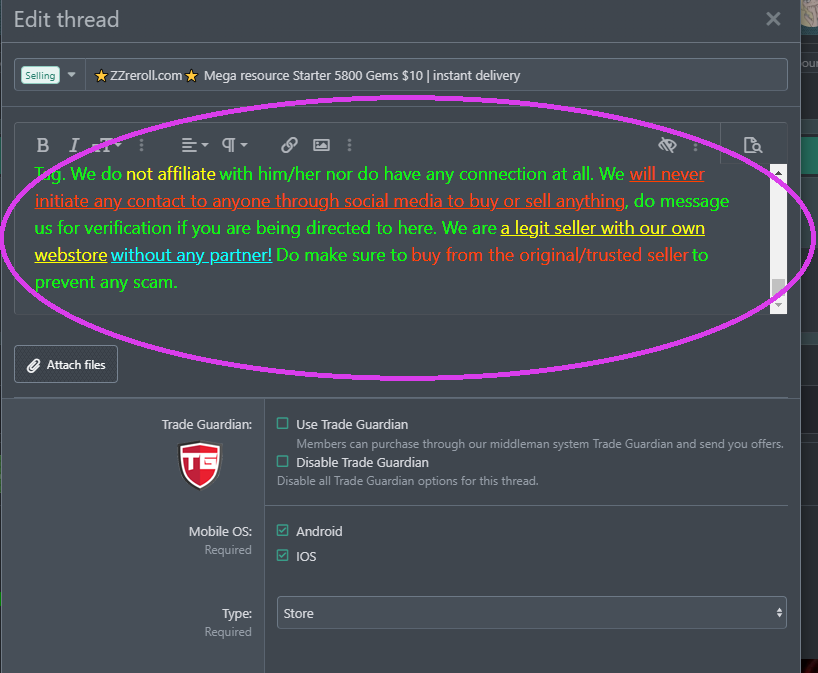
The space to edit seems a little bit too tight or am I missing some setting to make the space bigger?

GuV7zzR.png
 
Nice change but the edit dialog is indeed a bit too narrow. Can you make the edit everything option behave the same as the old edit button instead of being in a separate dialog?
 
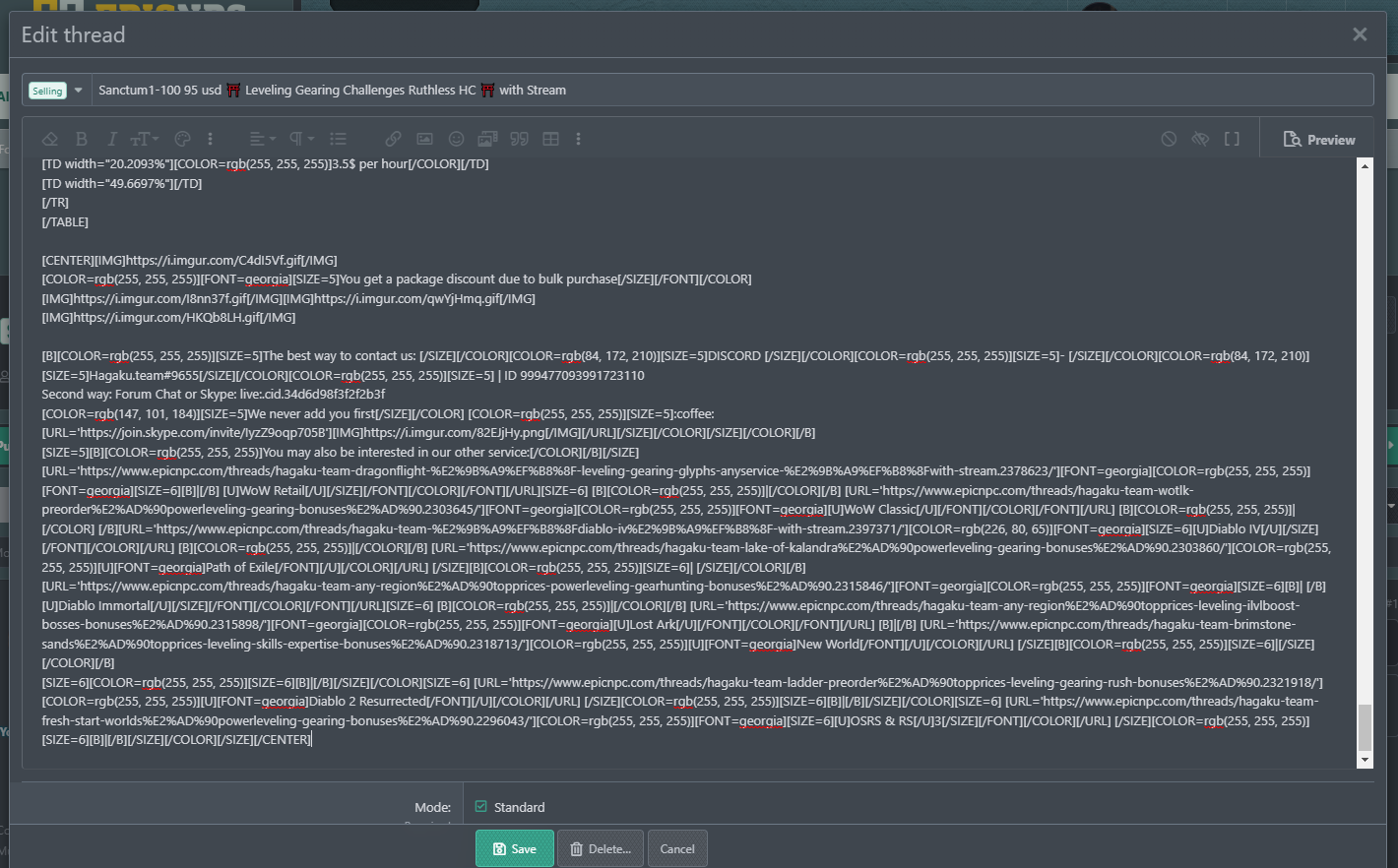
It better but still nowhere near fullscreen

1674922730023.png
 
the max size for the edit box is set to 1400px wide because the default max website width is 1450px.

If you're using full screen mode and have a huge monitor, then 1400px wide will still be the max width.
 
Changing the place of "edit" button is ok. Actualy it is realy better this way. But the editing box is Very uncomfortable on mobile phones. Im using phone to work with threads and it wasn't perfect before, but now it is literaly a pain. Too many options for edit and too little space for actual thread's text. Please bring back the fullscreen editing or make it optional in settings.
 
Last edited:
Found a workaround!
You can open the edit button in a new tab and it will be like before.
 
Maybe remove attached files box, to make edit popup larger
1675001017413.png
 
Changing the place of "edit" button is ok. Actualy it is realy better this way. But the editing box is Very uncomfortable on mobile phones. Im using phone to work with threads and it wasn't perfect before, but now it is literaly a pain. Too many options for edit and too little space for actual thread's text. Please bring back the fullscreen editing or make it optional in settings.
There's 2 edit options. "Edit title/post" and "Edit everything".

If there's too many options, use the 'title/post' option and none of those extra fields will display.


Width is nice but the downward length is not enough at all and cannot be expanded.
We will make this larger or if we can, expandable.

We will also remove the "attach files" button since it does the same thing as the "insert image" button in the toolbar. This will add a little more space as well.
 
Last edited:
If there's too many options, use the 'title/post' option and none of those extra fields will display.

Options is not a problem. Problem is in edit box size on phone and in size of actual text editing space. Here, check these two screenshots:

Polish_20230129_185056143.jpg

Polish_20230129_185314262.jpg


I think it is obvious which size of editing space is more comfortable for a phone user.
 
Some updates were made. Editing on desktop and mobile should be good now. :)
Thank you, but actualy... only "Attach files" option has been removed, the size of text screen on mobile didnt change, it is as small as before.

I attached screenshots under spoiler.
Screenshot_2023-01-31-04-34-16-298_com.android.chrome.jpg
Screenshot_2023-01-31-04-34-30-780_com.android.chrome.jpg
 
Clear last edit option or edit anonymously is not available anymore.
 
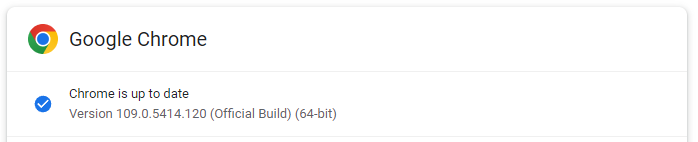
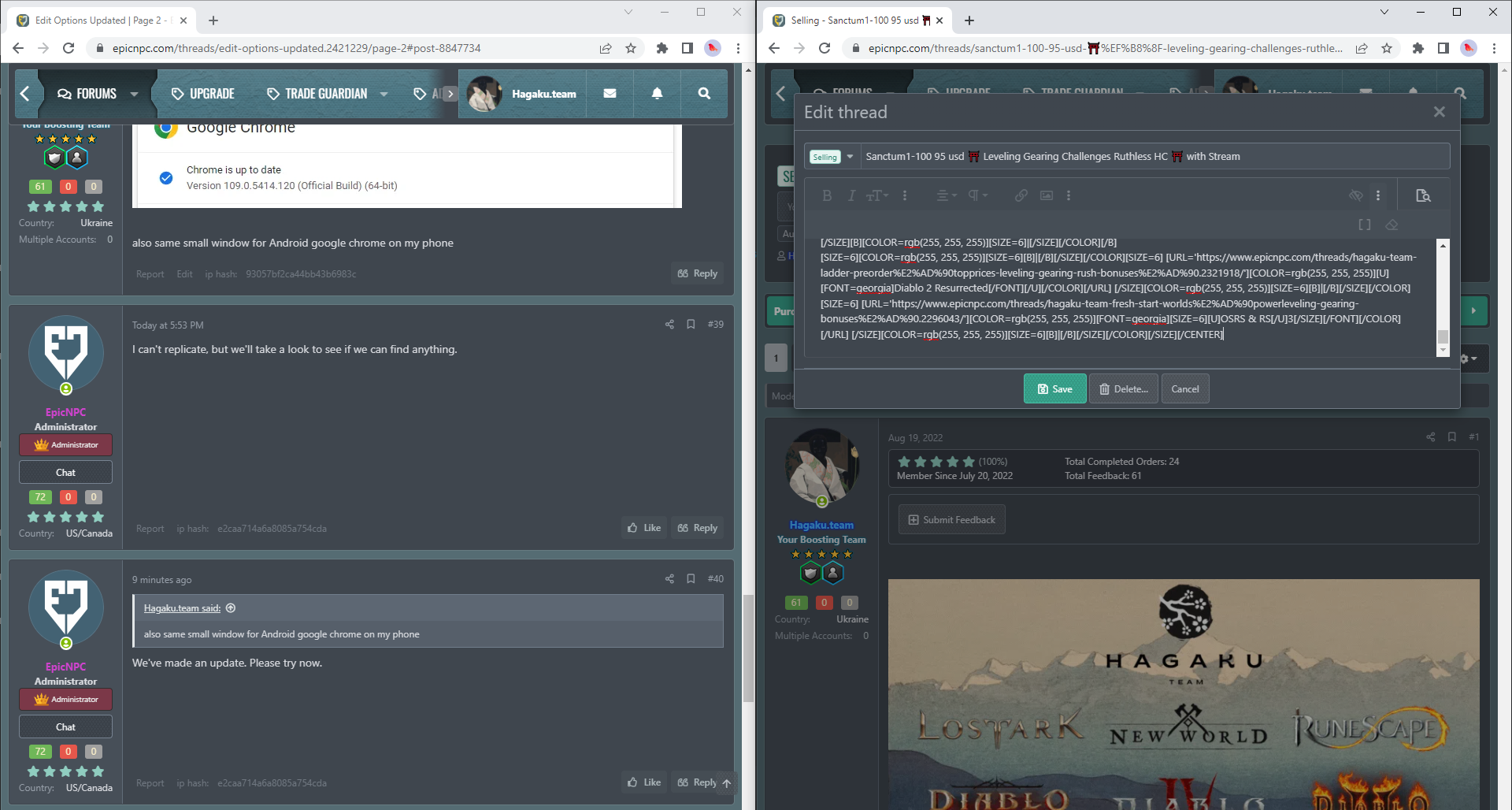
Is it possible to enlarge the window for working with the code? In a small window, it is very inconvenient to edit the thread
1675641630307.png
 
Also same size for Microsoft Edge:
1675702990925.png
 
Back
Top