


- Rating
- 5.00 star(s)
- Country
- Latvia
- Multiple Accounts
- 0
WARNING! Off-site contact information posted. We do not investigate disputes if you communicate off-site.
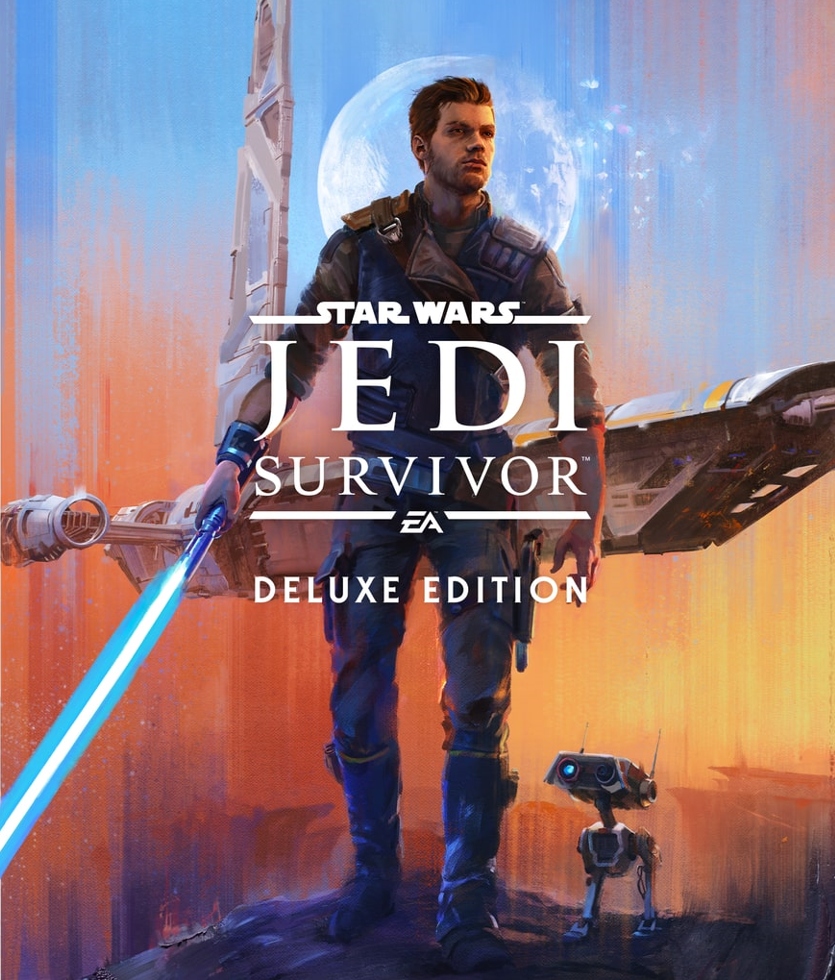
After purchase, you will receive an account instantly (if we are online), and you will be able to install the game immediately.
NOT need to wait 24 hours to start the game. PLAY RIGHT NOW.
 WORLDWIDE | GLOBAL
  INSTANT account devilery after purchase
 After purchasing this product, you get an Offline Steam activation with the purchased game.
- * The cost of the game is about 10 times lower than in the official Steam store;
- * The account is our personal, registered by us. The game is licensed, bought by us in the official Steam store;
- * Lifetime Warranty;
- * Playtime is unlimited;
- * The account will never be blocked.
-
 You can play ONLY in offline mode;
-
The offline activation is limited for 1 PC (if you want to activate 2 PCs you need to buy 2 copies);-
Once you have launched the game for 1 minute in online mode, please DON'T update the game, drivers or install Windows updates (actual only first 3 days after game release);-
Changing any account data is strictly prohibited.Before buying an account, check for compliance with the minimum requirements of your computer in the game that interests you. If your computer does not meet the minimum requirements of the game, then we are not responsible for the goods you purchase. Also by purchasing this product you confirm that you have read the entire description of the product and agree with it.

Instructions how to activate the game:
1. Download Steam client and EA App from the official site (if not already downloaded);
2. Install Steam client and EA App (if not already installed);
3. Login to the Steam account using provided data;
4. Download the purchased game in Steam;
5. Check that Steam Cloud is turned off (upper left corner -> Steam -> Settings -> Cloud);
6. Launch the game online for 1 minute and then exit;
7. Login to EA App using provided data (if required);
8. Enter offline mode (upper left corner -> Steam -> Go Offline ..) in Steam AND (upper left corner -> 3 strips -> Go Offline) in EA App;
9. Play!

Payment Methods: PayPal | Cryptocurrency | DebitCard | Steam Skins (+20% to price)
Price: 1.99 EUR
Discord: ascendary. | Ascendary#8711
Telegram: Ascendary
If you still have any questions, ask them in private messages, or at the contacts listed above.
Payment options:
- Paypal
- Wise
- bitcoin
- DebitCard, USDT, Team Fortress 2 Keys
Last edited: